SCREENSHOTS TO PDF

Screenshot to PDF,
from One Image or a Whole Set

Turn screenshots or existing images into a PDF on your device. Standard A4 export is free, including automatic pagination for long screenshots. Pro adds multiple images per page, layout previews and quality controls.

Free standard PDF · No watermark · No daily export quota

Capture, edit and export locally.

PinumoSCREENSHOT TO PDF
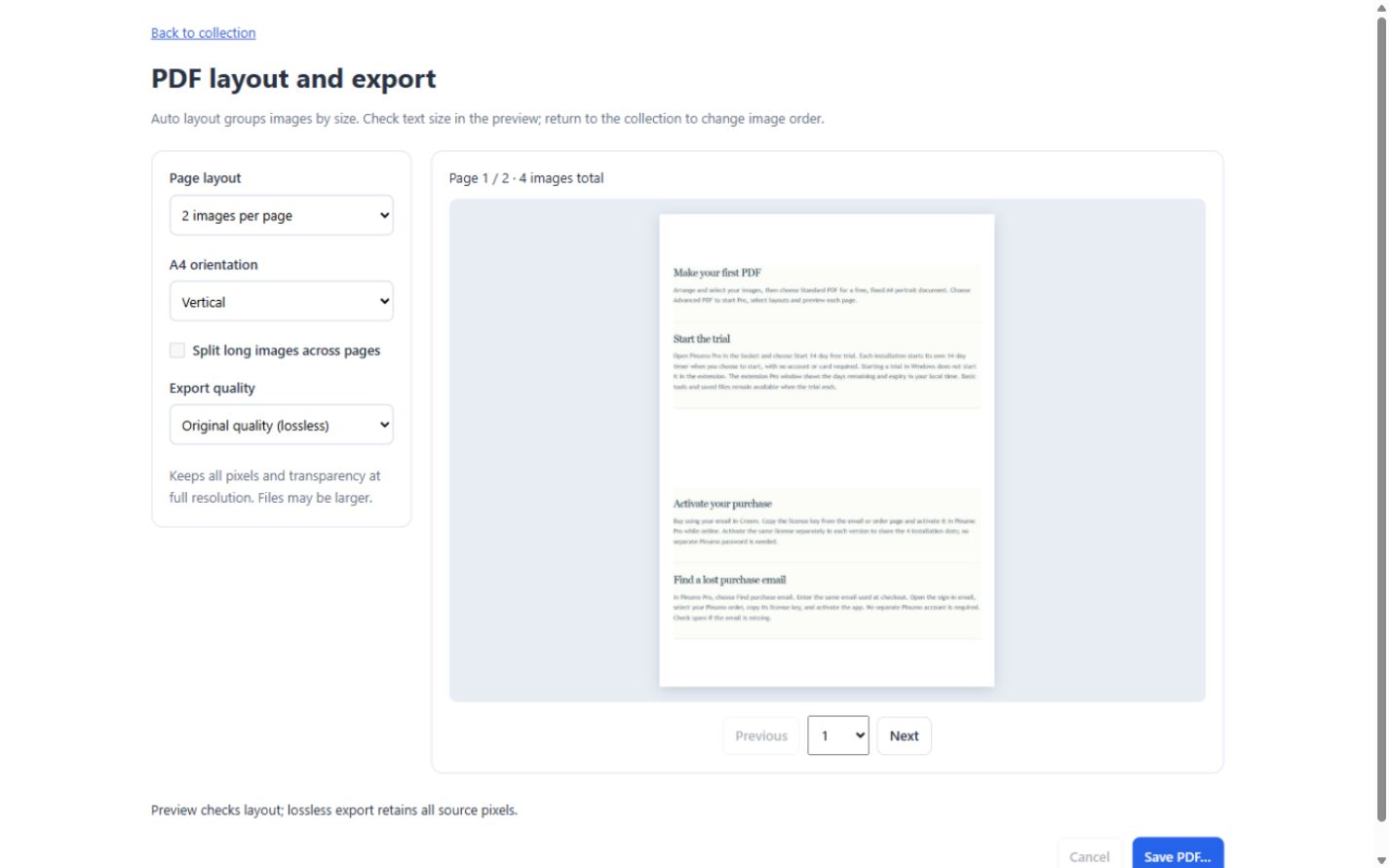
Pinumo PDF layout preview · the same four help-page screenshots

Four screenshots, three PDF layouts.

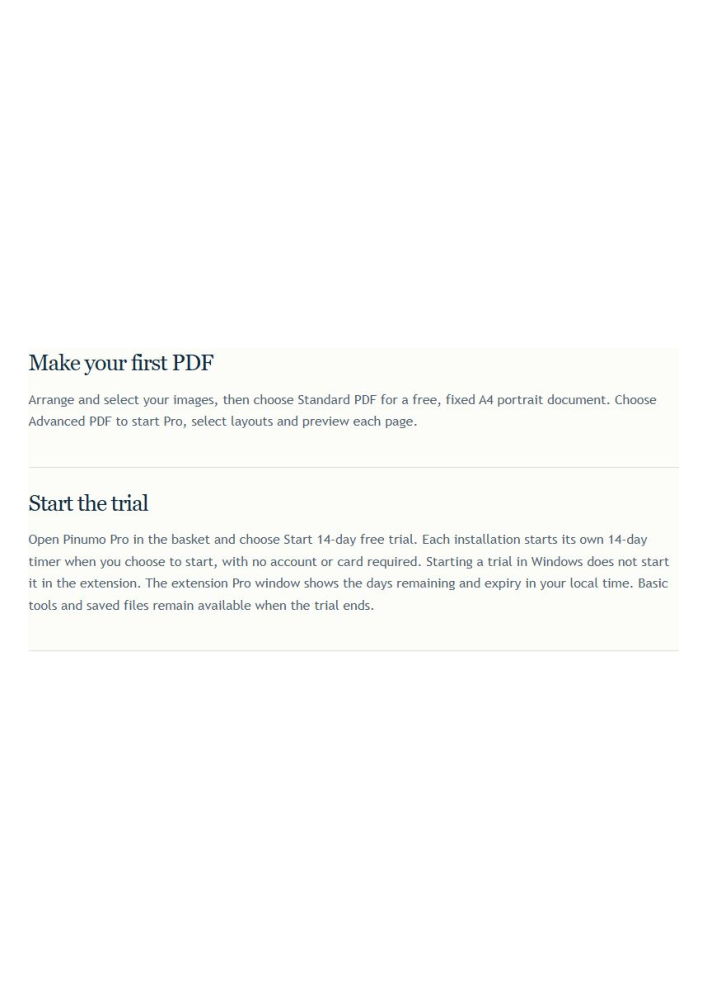
Four excerpts of our public help page, cropped and exported with Pinumo for Windows.

4 pages · room for detail

Open sample PDF ↗
Standard PDF · Free — 4 pages · room for detail
Sample source and original screenshots

Captured from our public help page on November 10, 2026. The four excerpts were cropped with Pinumo. All downloadable PDFs were exported with Pinumo for Windows. The interface images show the browser version using the same inputs.

Download source screenshots · View the source help page

LONG SCREENSHOT TO PDF

Split a long screenshot into a multi-page PDF

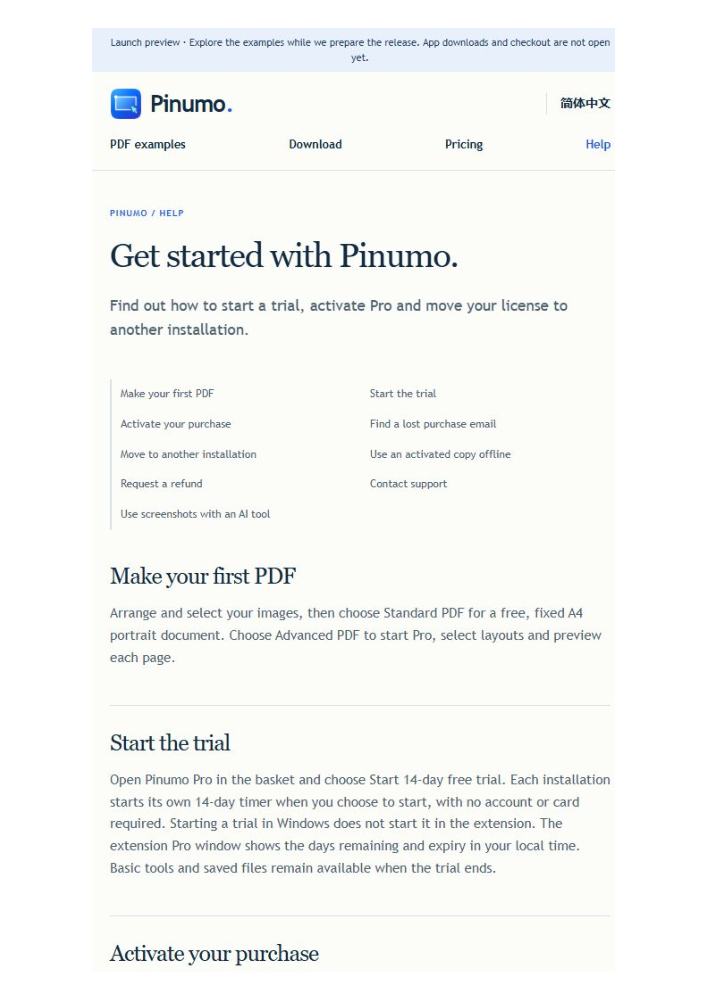
Keep reading from one PDF page to the next. Free standard PDF divides tall screenshots into consecutive A4 pages. This example uses the narrow layout of our public help page.

Open the long-screenshot PDF · 3 pages ↗

One 585 × 2,800 px help-page screenshot → 3 A4 pages · Free standard PDF · View original screenshot

One 585 × 2,800 px help-page screenshot → 3 A4 pages · Free standard PDF

How to turn screenshots into a PDF

Use screenshots you already have, or capture new ones as you work.

  1. 01

    Capture or import

    Capture webpage content in the extension or desktop content in Windows. You can also import existing PNG and JPEG images.

  2. 02

    Select the screenshots

    Choose the images to include. Adjust their order or add arrows and notes whenever useful.

  3. 03

    Export a standard PDF free

    Choose Standard PDF for an A4 document. Choose Advanced PDF when you want Pro layouts, orientation and previews.

What is free? When would I need Pro?

BASIC · FREE

Free for everyday screenshots

Capture and save image batches, annotate, join images horizontally or vertically, use Chinese/English OCR, and export standard A4 PDFs with long-image pagination.

Standard PDF has no watermark or daily export quota.

Download Pinumo for free
PINUMO PRO

More layout and OCR controls with Pro

Choose grid layouts and image styling, proofread and search OCR text, and preview advanced PDF layouts with 1, 2 or 4 images per page.

Pro · US$19 · One payment. No automatic renewal.

Core features are free · Start a 14-day Pro trial without registration or a card

Compare all features →

Why use an installed screenshot tool?

Capture several pages as you work, keep the images together, then create a PDF from the same selection. Import existing screenshots too. The capture, editing, OCR and PDF workflow runs on your device.
See the complete screenshot workflow →

Make an illustrated instruction guide

Add arrows or numbered notes when a picture needs an explanation, then share the steps in one document.

Follow the step-by-step guide →

Screenshot to PDF: common questions

Can I combine several screenshots into one PDF?

Yes. Capture or import the images, select the set and choose Standard PDF. Choose Advanced PDF for Pro layouts and previews.

Can several images share one PDF page?

Pro supports 1, 2 or 4 images per page with previews. Free standard PDF uses a fixed A4 portrait layout with each normal image on its own page.

Can I turn a long screenshot into a multi-page PDF?

Yes. Standard PDF automatically paginates tall images. Pro adds layout options and page previews.

Do I need a Pinumo account?

No. Start the trial without an account or card. Use your purchase email to find your paid order and license.

PINUMO · WINDOWS + BROWSER

Keep capturing. Do more with the whole set.

Next time you review a few pages, collect the screenshots in Pinumo. Select the set to copy, save, combine or turn into a PDF.

Download Pinumo for free

Pro · US$19 · One payment. No automatic renewal.

Core features are free · Start a 14-day Pro trial without registration or a card